Netflix Disney+ Hide UI by Slezak
This addon hides the UI for Netflix, Disney + or Prime Video.
123 Users123 Users
Extension Metadata
Screenshots
About this extension
This addon hides the UI for Netflix, Disney + or Prime Video.
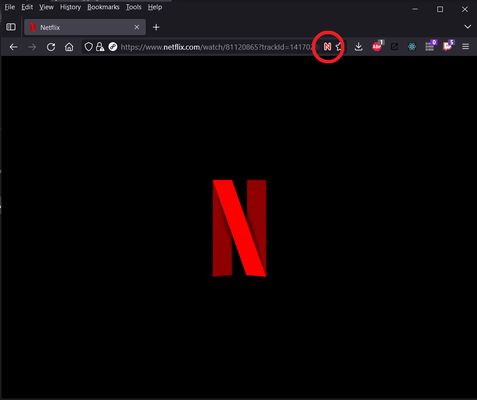
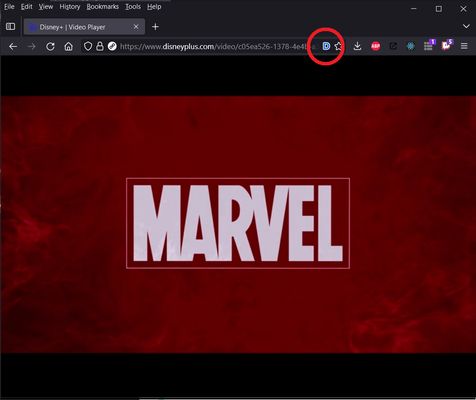
When watching a video on Netflix, Disney Plus or Prime Video, click the N, D or A icon in the url bar to hide all the controls for the video player. They will remain hidden even while moving your mouse over the video. Click the N, D or A icon again to turn the controls back on.
Alternatively, you can use the keyboard shortcut Ctrl + Alt + H to toggle between hidden UI and visible UI. The keyboard shortcut can be changed in the Firefox Addon Manager.
When watching a video on Netflix, Disney Plus or Prime Video, click the N, D or A icon in the url bar to hide all the controls for the video player. They will remain hidden even while moving your mouse over the video. Click the N, D or A icon again to turn the controls back on.
Alternatively, you can use the keyboard shortcut Ctrl + Alt + H to toggle between hidden UI and visible UI. The keyboard shortcut can be changed in the Firefox Addon Manager.
Rated 4.4 by 7 reviewers
Permissions and data
Required permissions:
- Access browser tabs
Data collection:
- The developer says this extension doesn't require data collection.
More information
- Add-on Links
- Version
- 2.3
- Size
- 49.58 KB
- Last updated
- 4 days ago (Aug 29, 2026)
- Related Categories
- License
- Mozilla Public License 2.0
- Version History
- Add to collection